Jinn Projects is a web-based project management tool that lets agencies share live project updates with clients through a dedicated client portal — available at jinn.report, no installation needed.
Teams use Jinn Projects to replace scattered email threads with a single client-facing project dashboard — covering tasks, files, comments and real-time status in one place.
No credit card • Admin workspace ready instantly • Invite clients in minutes • Works in any browser
Built for agencies, studios and freelancers who want to look professional in front of clients — without the overhead of enterprise tools.
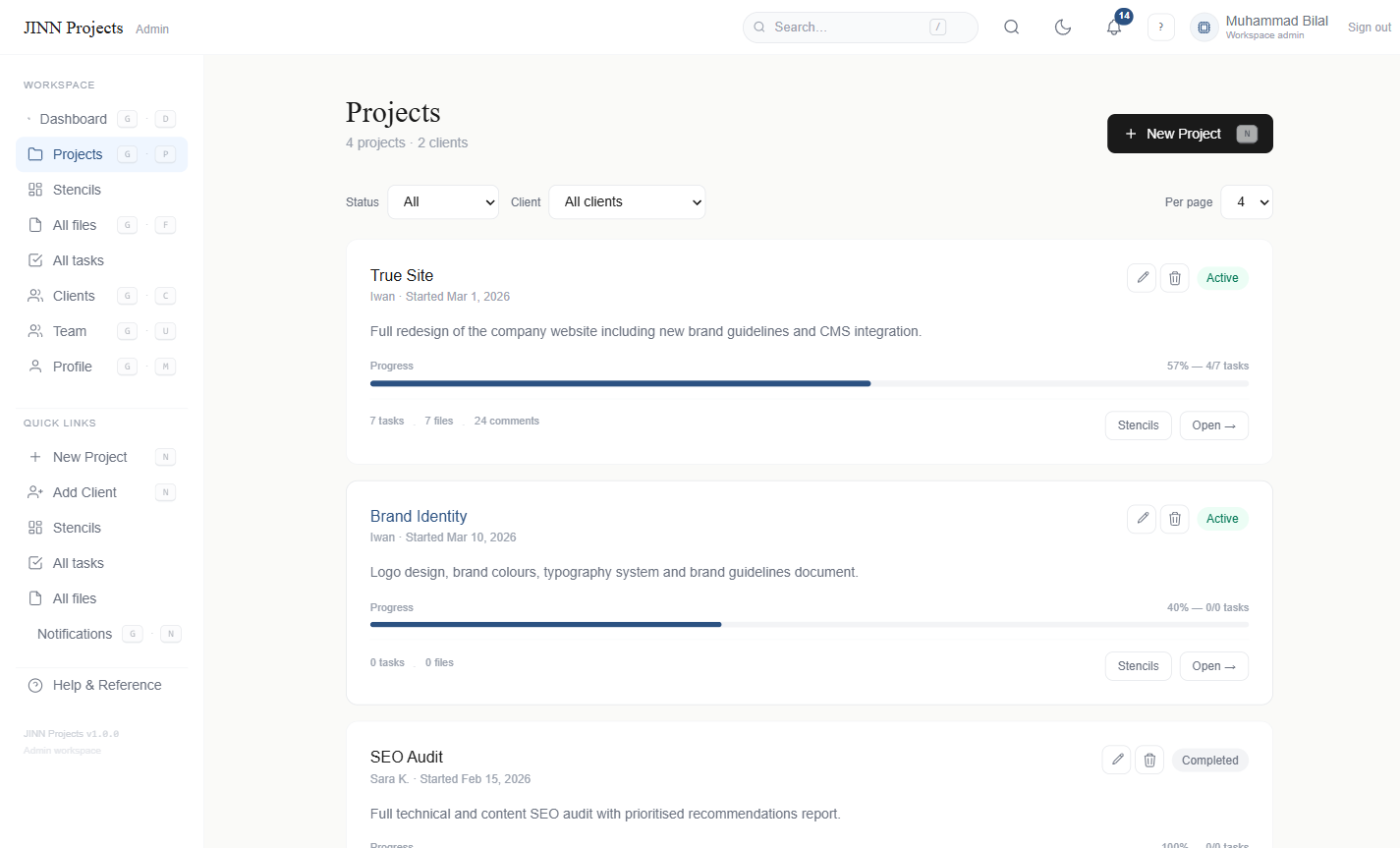
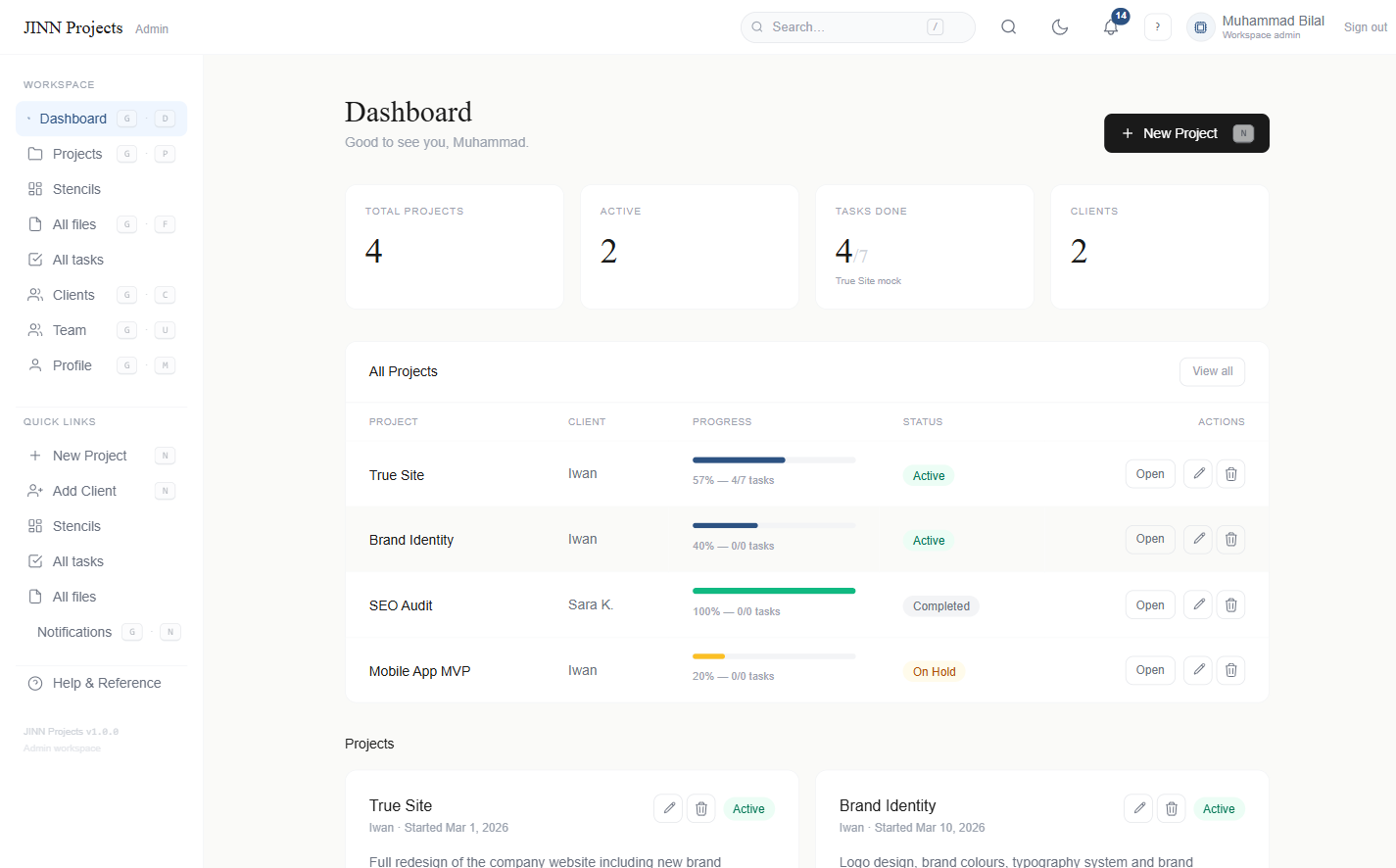
Real-time project cards with progress bars, status labels, task counts and file totals. Clients see exactly where things stand — no guesswork.
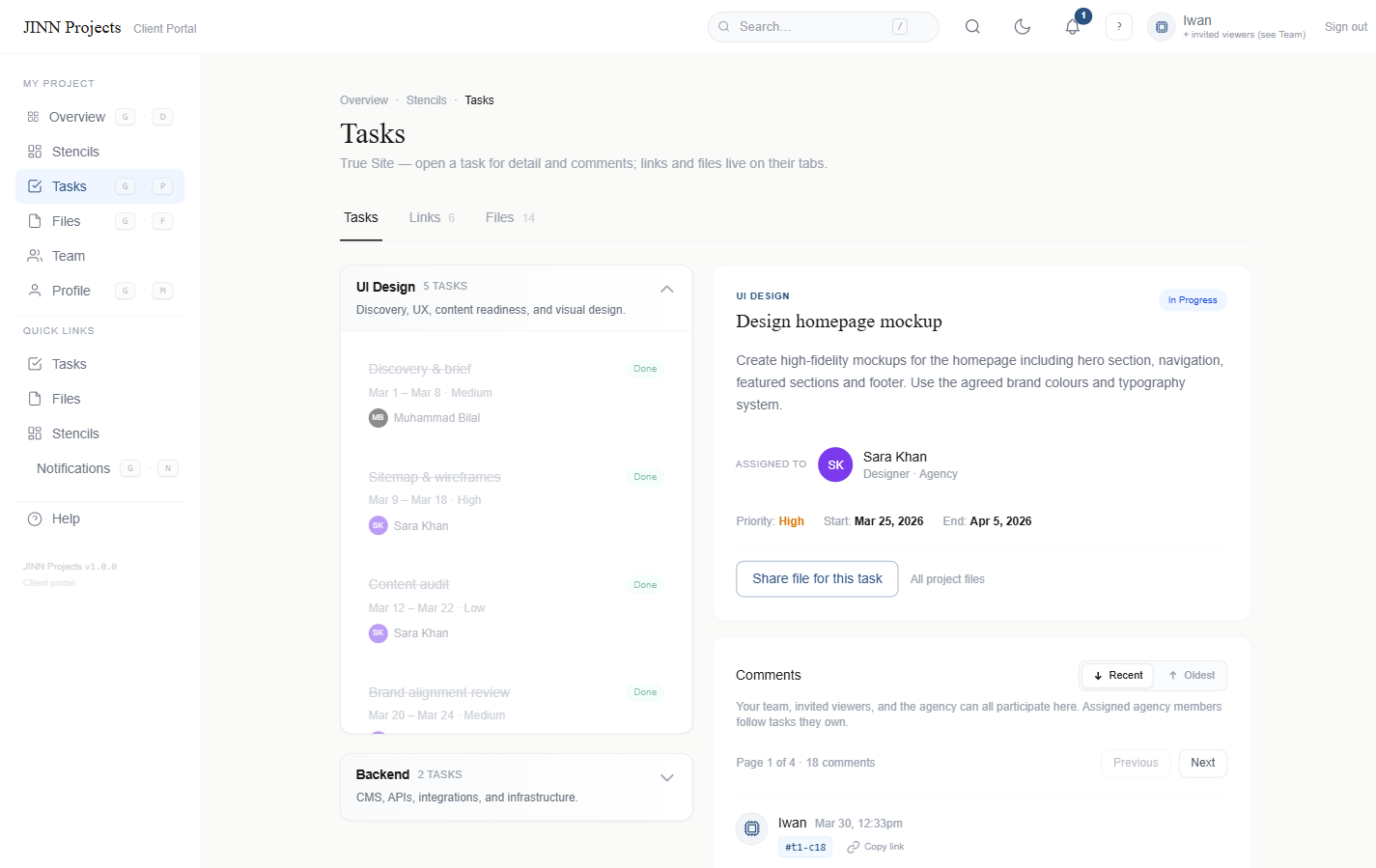
Create tasks per project, assign to team members, set statuses and priorities. Clients see task progress; your team gets a private workspace.
Comment directly on tasks. Attach files, add links, sort by newest or oldest. Everyone associated with a task gets an automatic email notification.
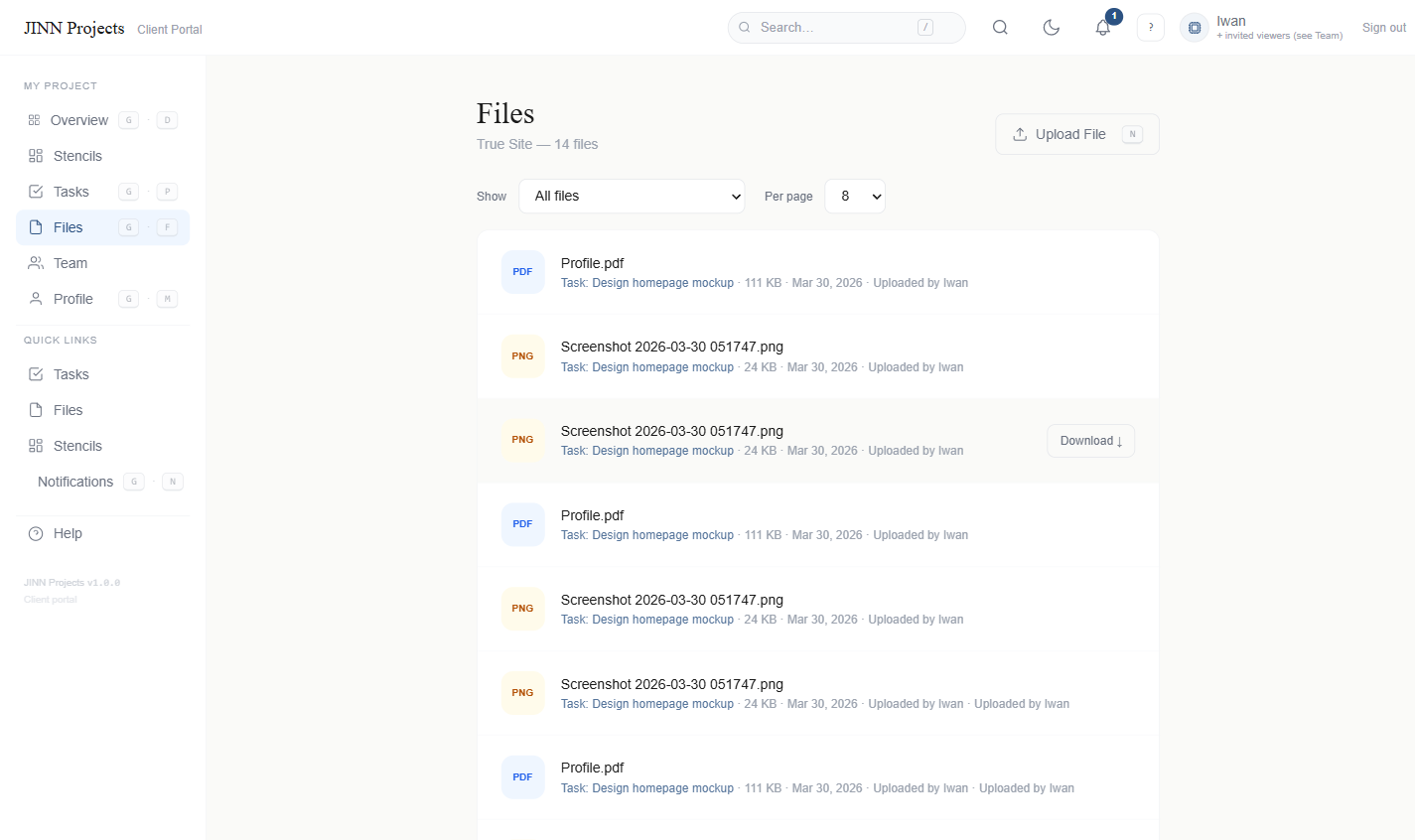
Drag-and-drop file uploads, per-project organization, download tracking. Clients can share deliverables; admins see the full file history.
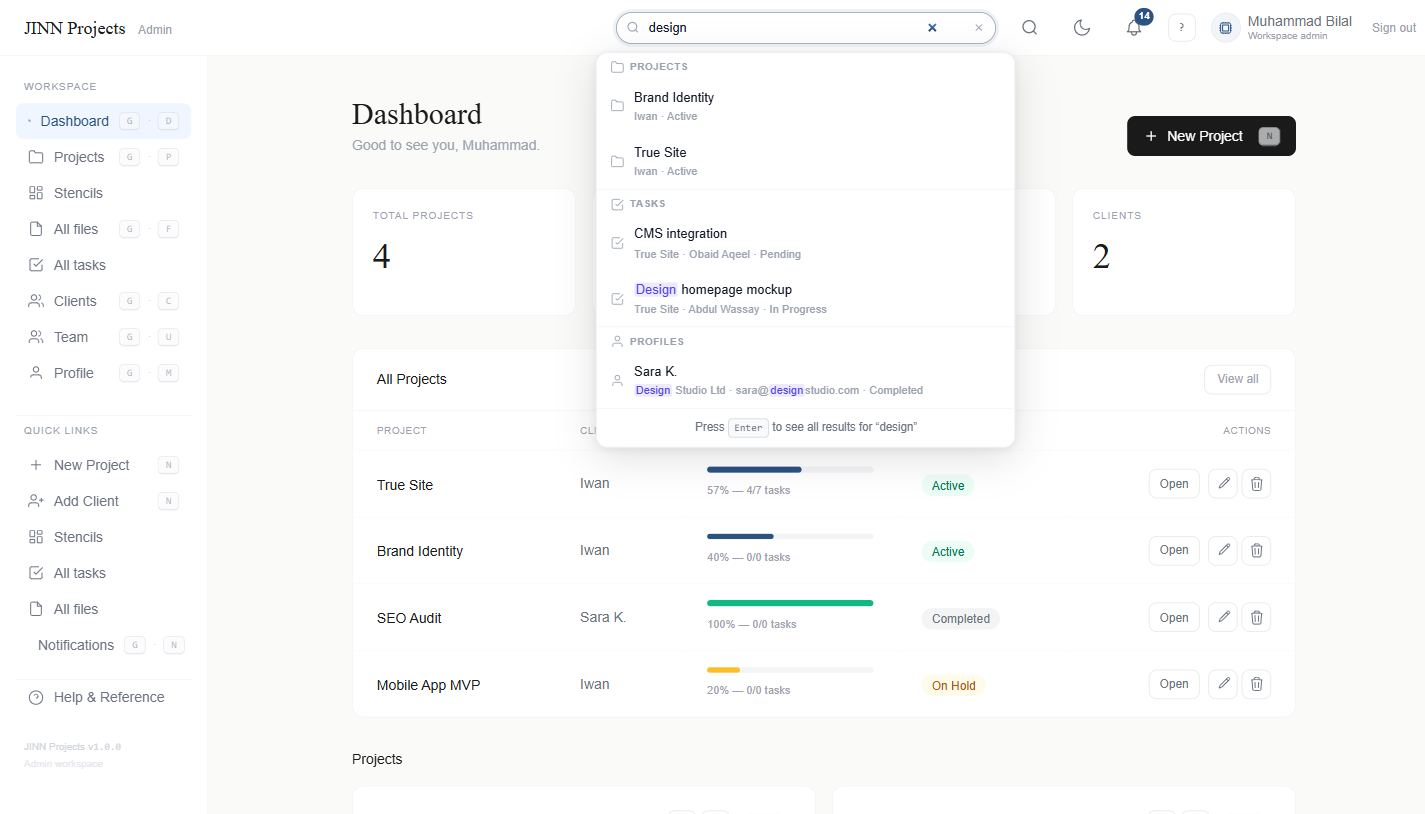
Instant search across projects, tasks, files, comments, and profiles. Debounced AJAX autocomplete with role-aware results and recent history.
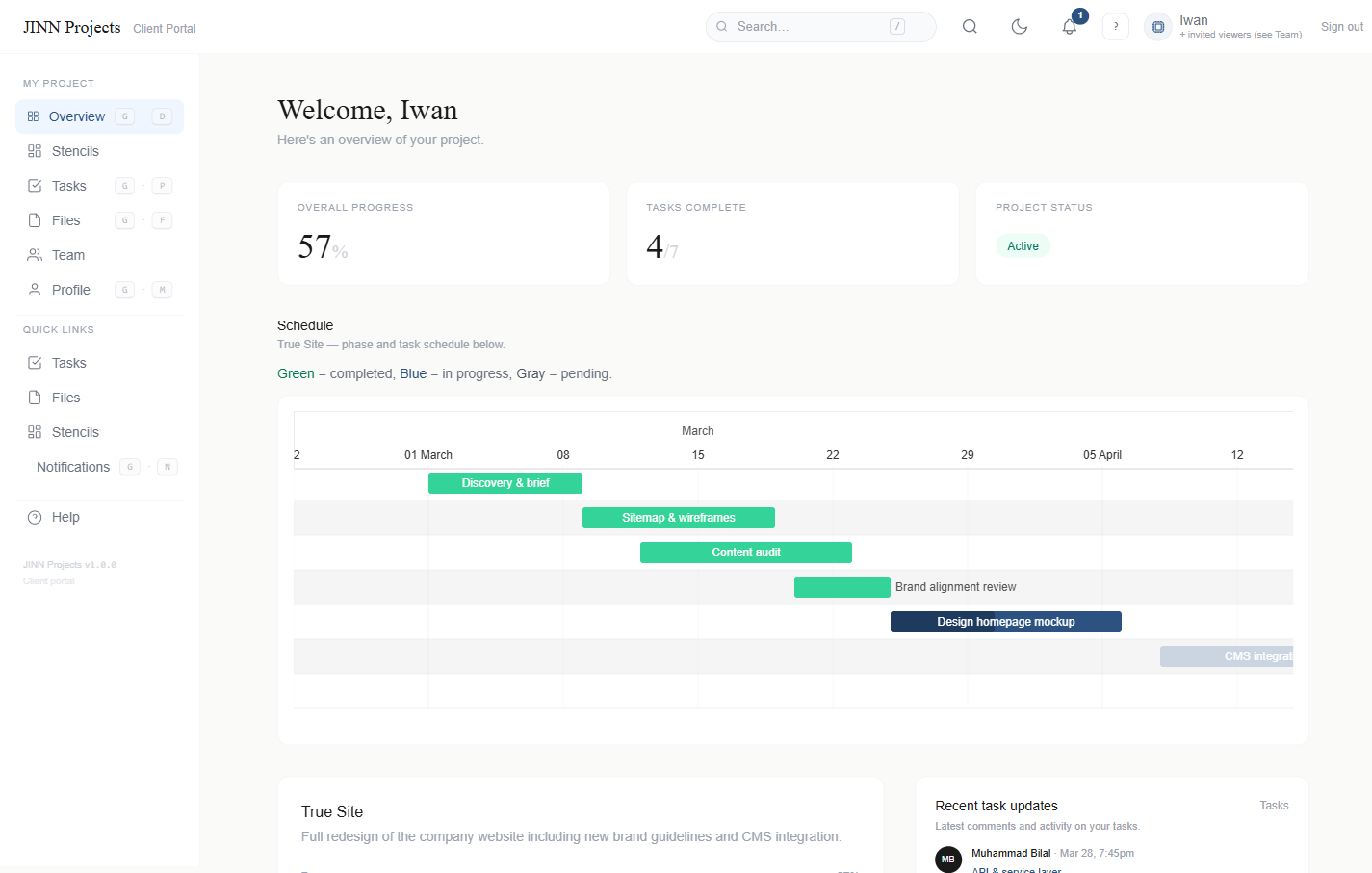
A dedicated, role-restricted view for each client. They see only their projects, tasks, and files. Your internal data stays private.
Create reusable task templates (stencils) to spin up projects fast. Assign standard tasks to new projects in seconds — never start from scratch.
Add teammates with custom roles (Project Lead, Developer, Designer, PM). Assign to projects so they only see what they need to work on.
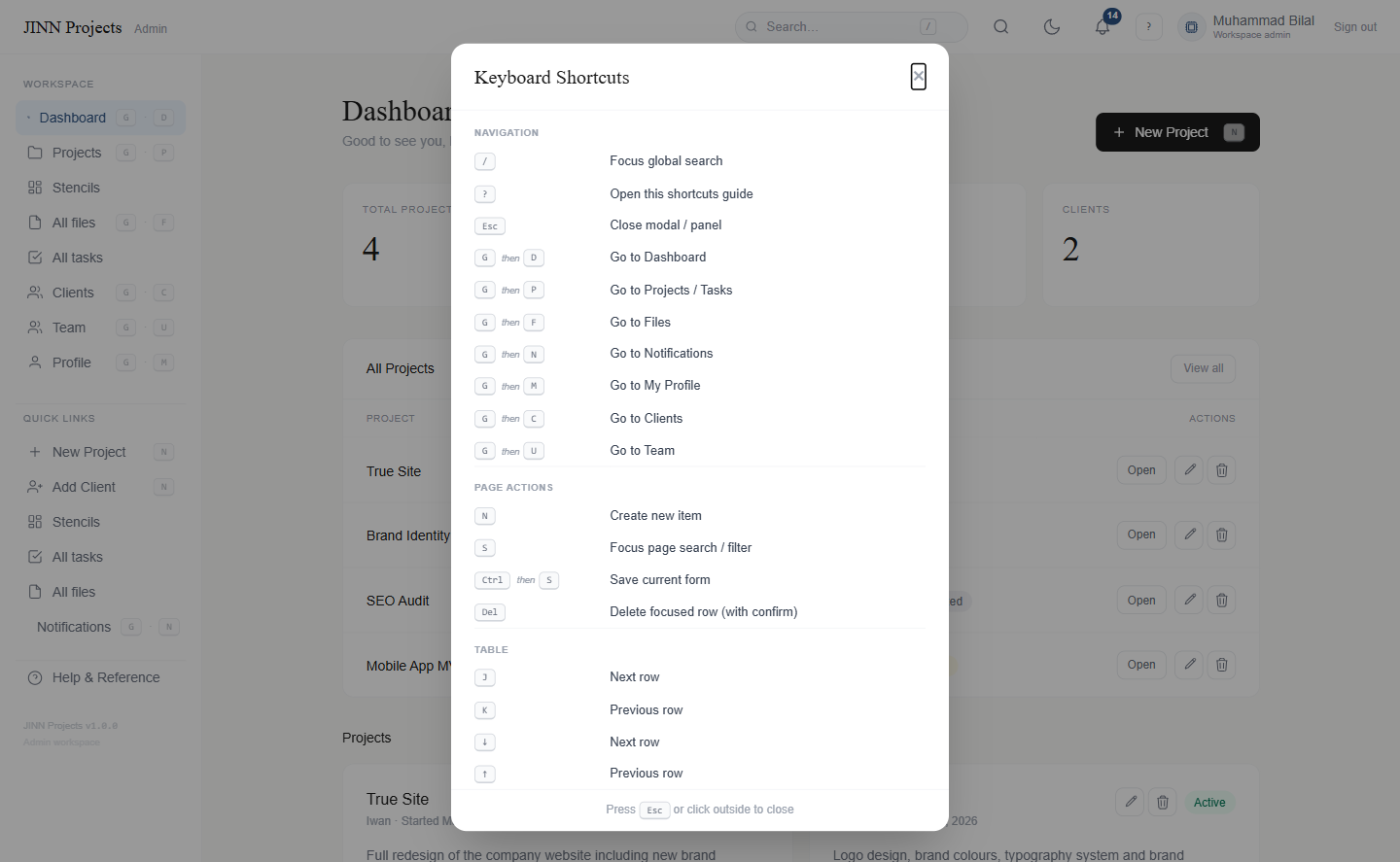
Power-user shortcuts for navigation, actions, table selection and form submission. Press ? on any page to see the full reference.
Whether you run a design studio, a software agency, a marketing team, or a solo consultancy — Jinn Projects fits your workflow.
A brand studio working on a rebrand project uses JINN to share logo explorations, typography choices and production files directly inside the client portal. The client comments on tasks, uploads reference images and approves work — all without a single email chain.
A dev shop building a mobile MVP uses JINN to surface what's in progress, what's blocked and what's shipped — in a view the non-technical client actually understands. Devs get tasks assigned, clients see statuses. No Jira, no Slack overload.
A digital marketing agency managing SEO audits, content calendars and ad campaigns for multiple clients uses JINN to keep each client's portal separate. Assets, reports and copy are uploaded to the right project. Clients approve, comment and download — all in one place.
A solo UX consultant running 3–4 concurrent projects uses JINN to give every client a branded, professional portal. Instead of Google Drive links in emails, clients log in and see exactly what's happening. It takes 5 minutes to set up a new project.
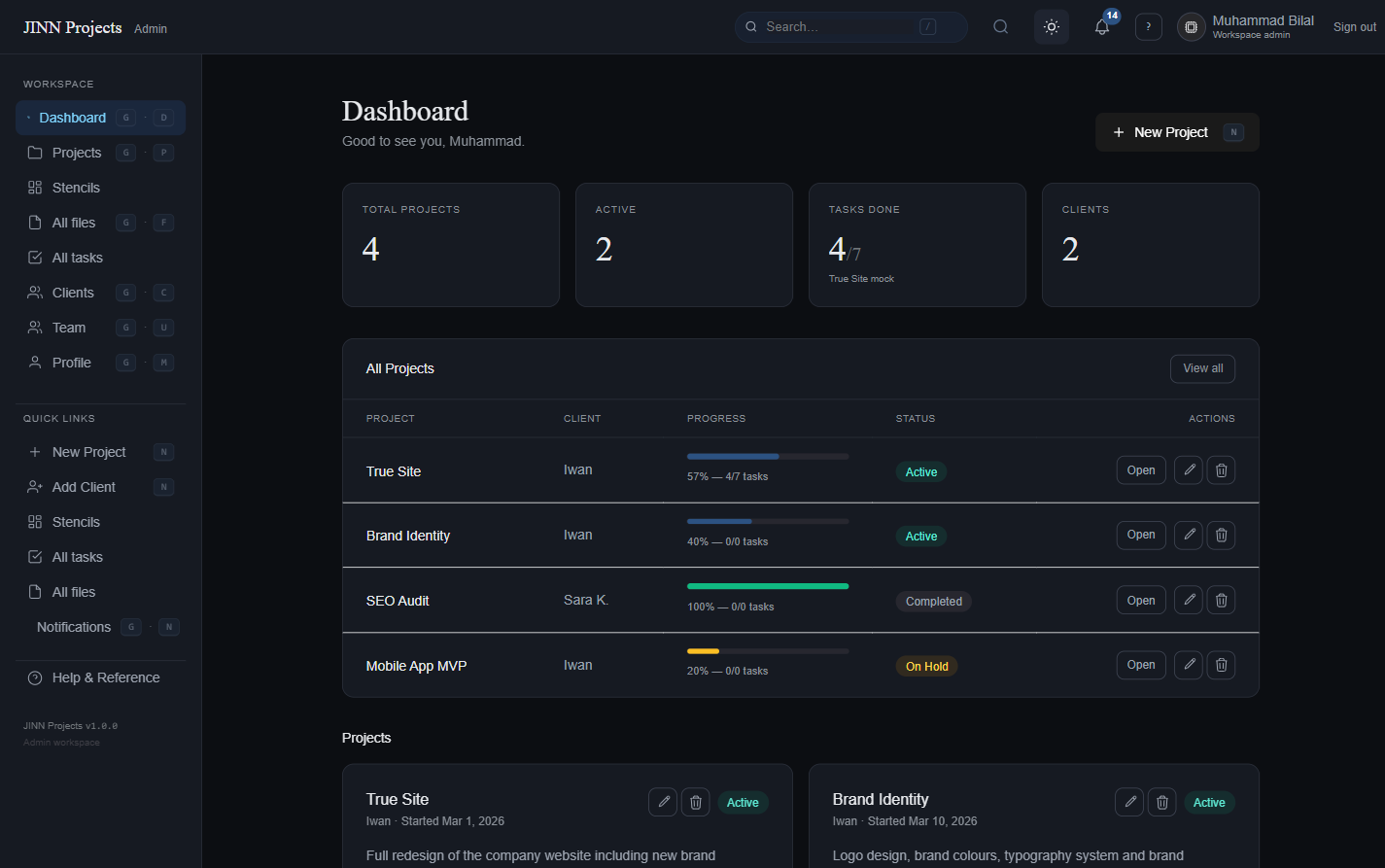
Real screenshots of Jinn Projects — both the admin workspace and the client-facing project dashboard. Light and dark modes included.
Light and dark modes included • System preference detected automatically • Works in any modern browser • No installation required
Admins get full project and client management. Clients get a clean, focused view of exactly their work — and nothing else. Jinn Projects is free to use at jinn.report for agencies, freelancers and studios.
"Our clients used to send us 'where's my project?' emails every week. Since we moved to JINN, those emails don't exist. They log in, they see everything."
"The stencils feature alone saved us hours every sprint. We set up our standard web project template once and now every new engagement is ready in under five minutes."
"As a solo consultant I needed something that made me look like a real studio to my clients. JINN does exactly that. The dark mode and keyboard shortcuts make it feel genuinely premium."
Jinn Projects is in early access — every feature is available free while we build and refine the platform with real teams. Create your workspace, invite your first client and start managing projects in minutes at jinn.report.
Create as many projects and tasks as you need during early access.
Stencils, global search, keyboard shortcuts, email notifications — everything, free.
No credit card • Account ready in seconds • Cancel any time
Set up your Jinn Projects workspace in minutes. Invite your first client before lunch. Works in any browser at jinn.report — no installation required.
Admin account created instantly • no card required
We've sent a verification link to . Click it to activate your admin account and get started.
Already have an account? Sign in